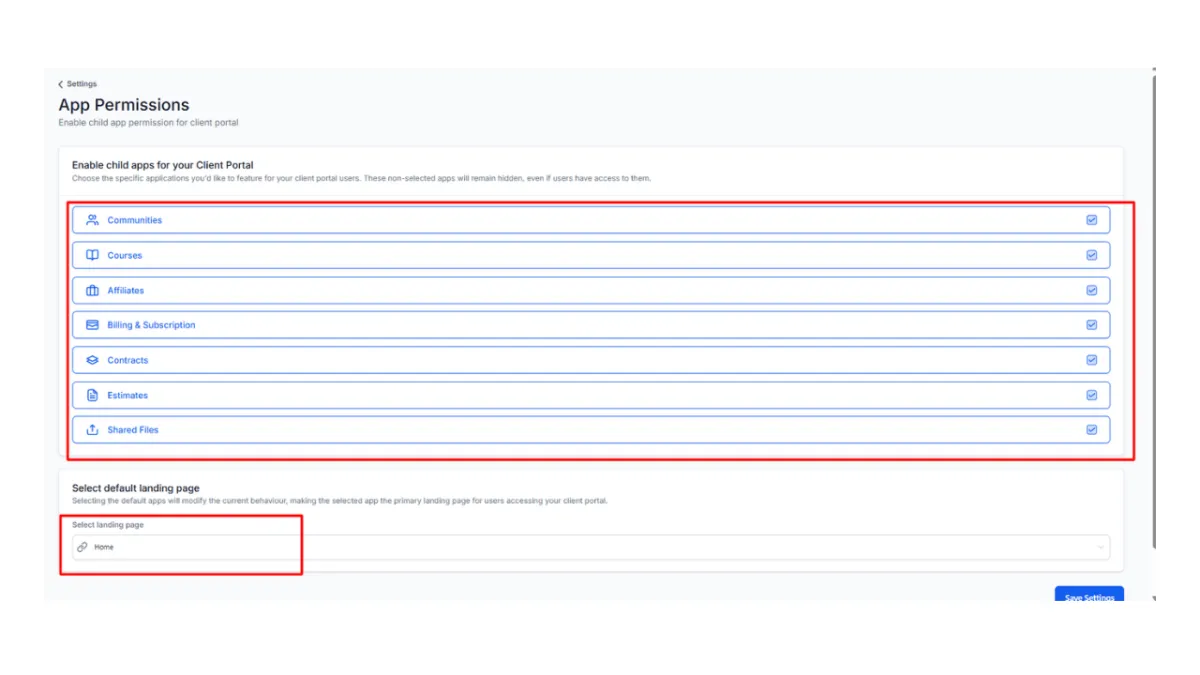
Choosing Your Child Apps (what clients see)
Choose the specific applications you'd like to feature for your client portal users. These non-selected apps will remain hidden, even if users have access to them.
Step 1: Go to Memberships > Client Portal > Settings > App Permissiosn